

Email: [email protected]Phone: 800.245.5676
/ergdata
Your Connected Training Partner
ErgData is our free app that connects you to the Concept2 community. You can choose to erg with others on the Real Time Loop, our virtual course that is always open. You can set up workouts and store them as favorites, take part in the Workout of the Day, choose from different displays, track your progress, share your workouts with others, and more.


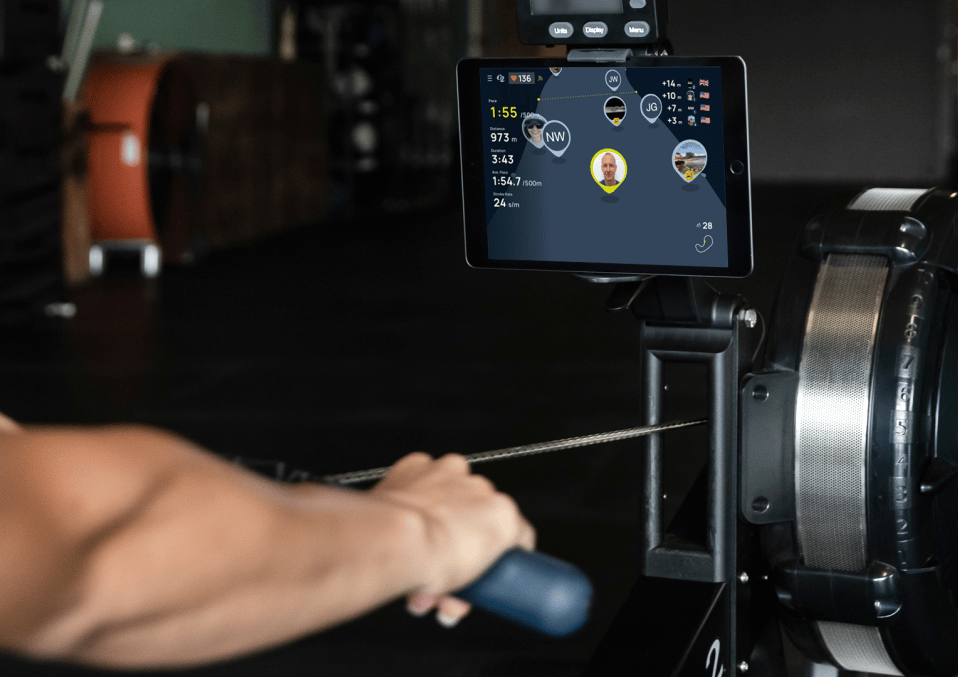
Real Time Loop
- Work out alongside others on a virtual course
- Join the loop anytime
- Choose an avatar to represent you
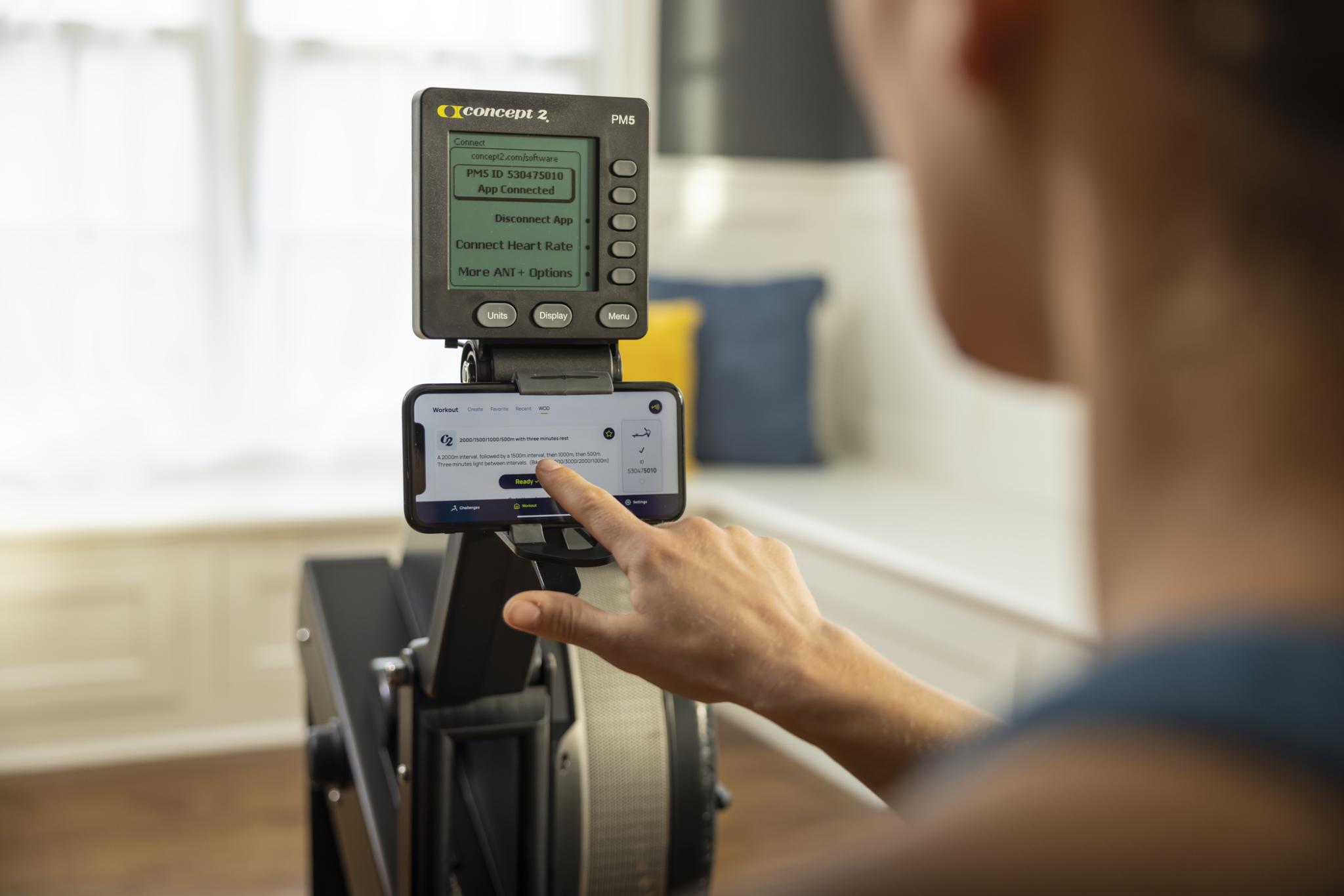
Set Up Workouts
- Use ErgData to set up the PM5, making even the most complicated workouts easy to program
- Save your favorite workouts so you can find them quickly
- Set up the Concept2 Workout of the Day with a single tap and see how you compare with others on our daily leaderboard
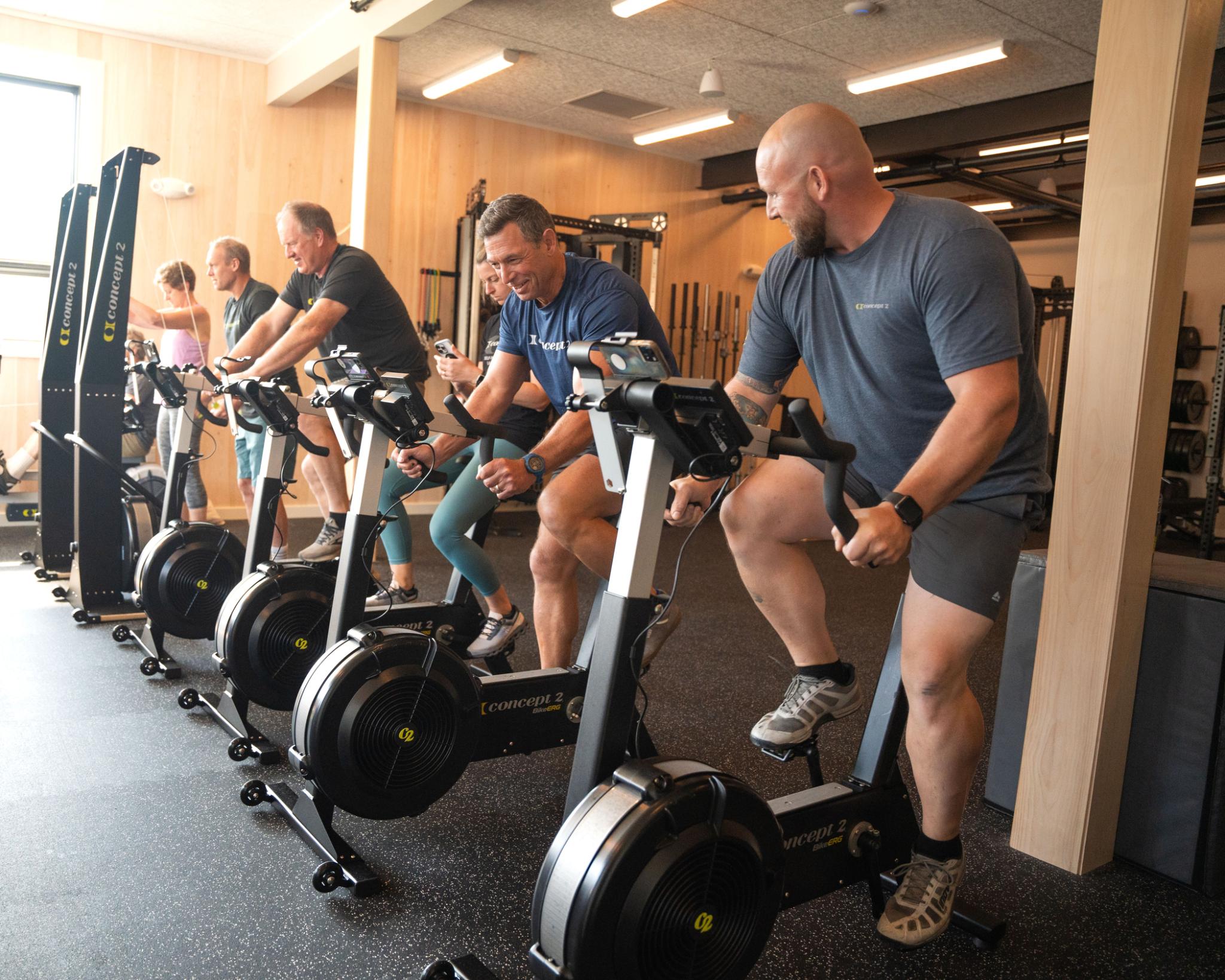
Share Your Workouts
- Share your results with friends, who can then rerow/ski/ride against you
- Program a workout and send it to others
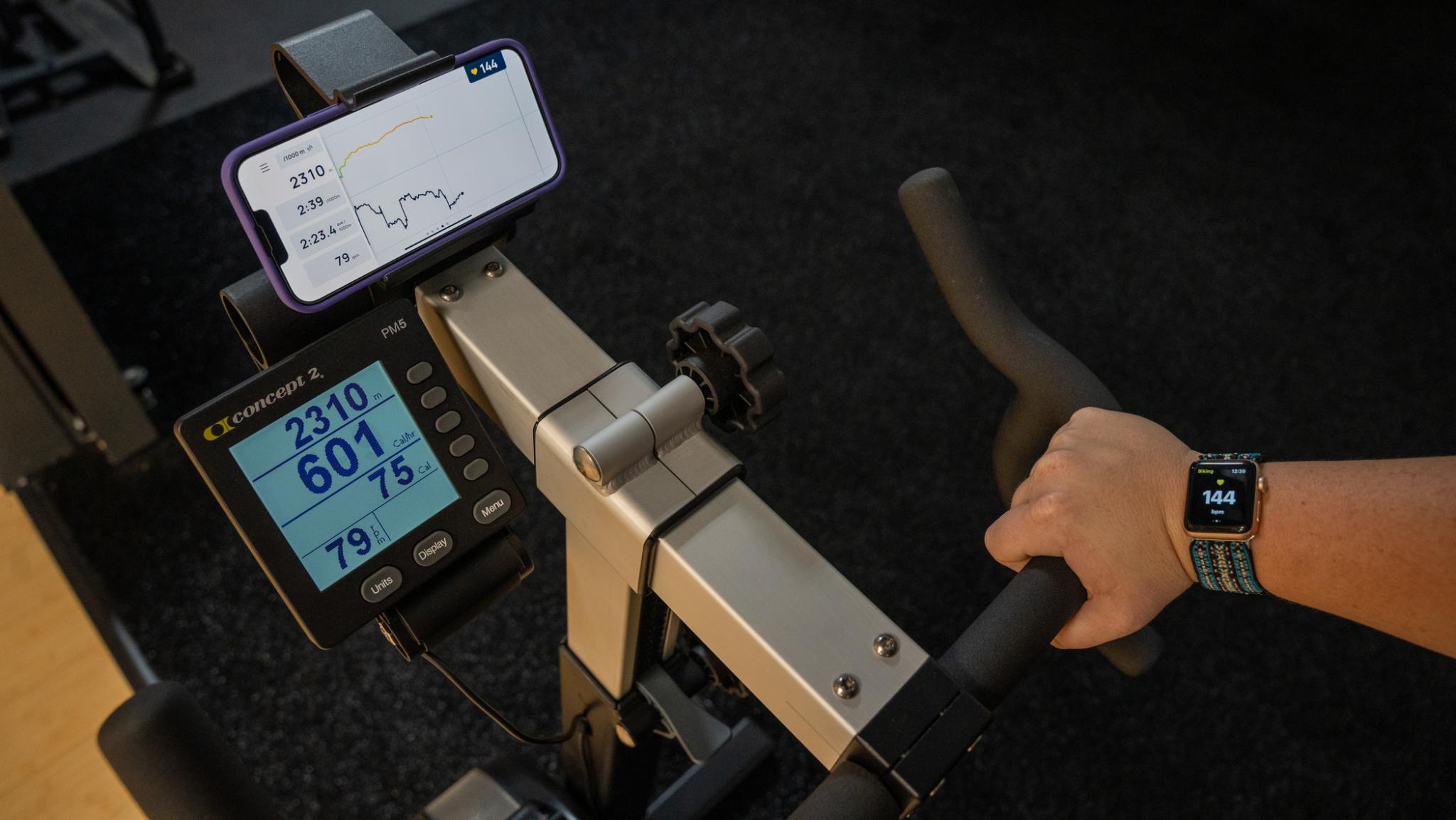
Make Your Display Your Own
- Choose from different displays: data, pace graph, table vie or pace boat display
- Customize each screen to suit you
- Easily switch between different screens during your workout
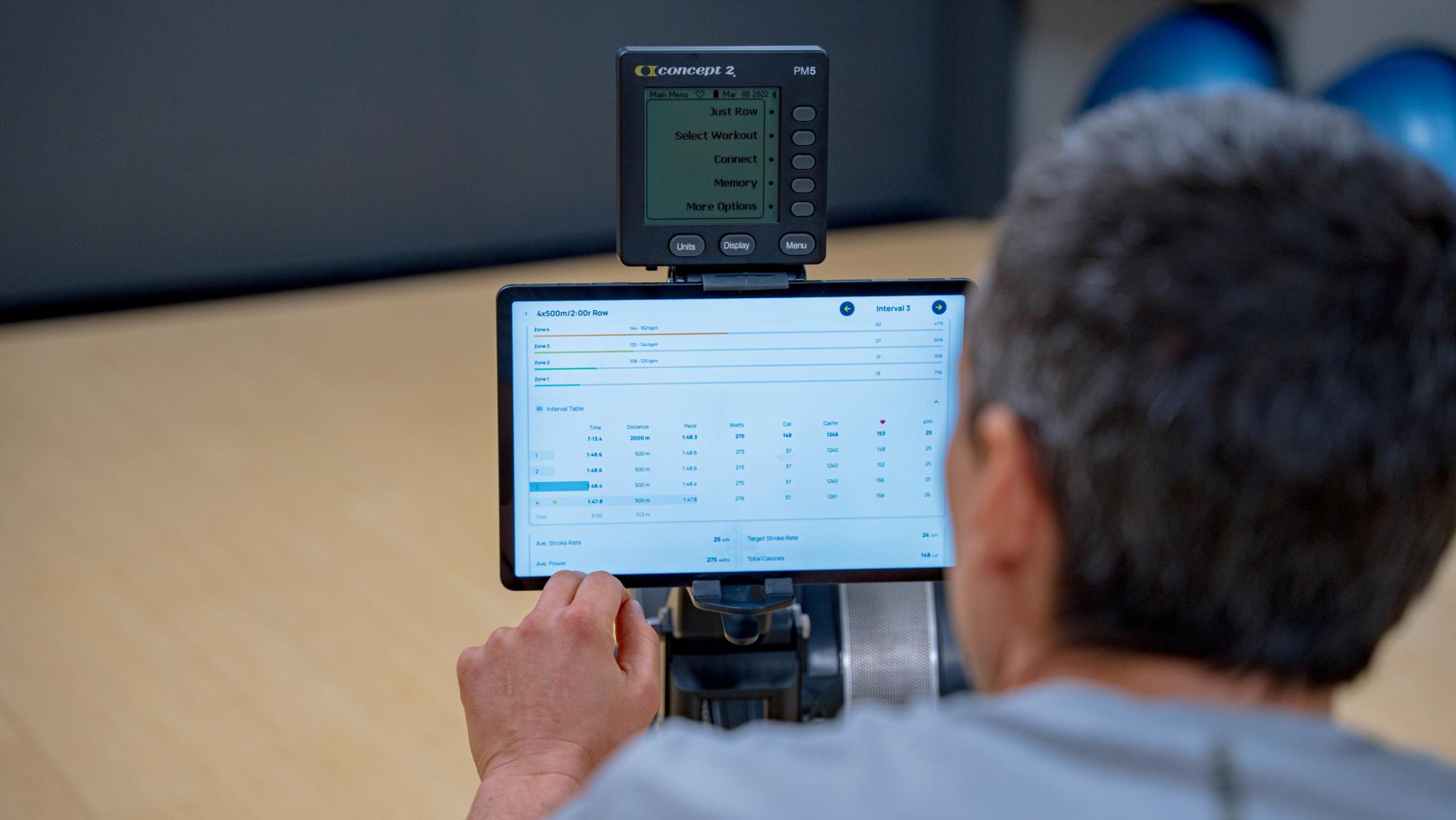
Track Your Progress
- Detailed post-workout analysis, including intervals, stroke graphs and heart rate zones
- Compatible with both Apple Health and Google Fit
- Automatically sync to the Concept2 Online Logbook and send your workouts to other platforms such as Strava and Garmin Connect
- Stay motivated throughout the year by participating in online challenges
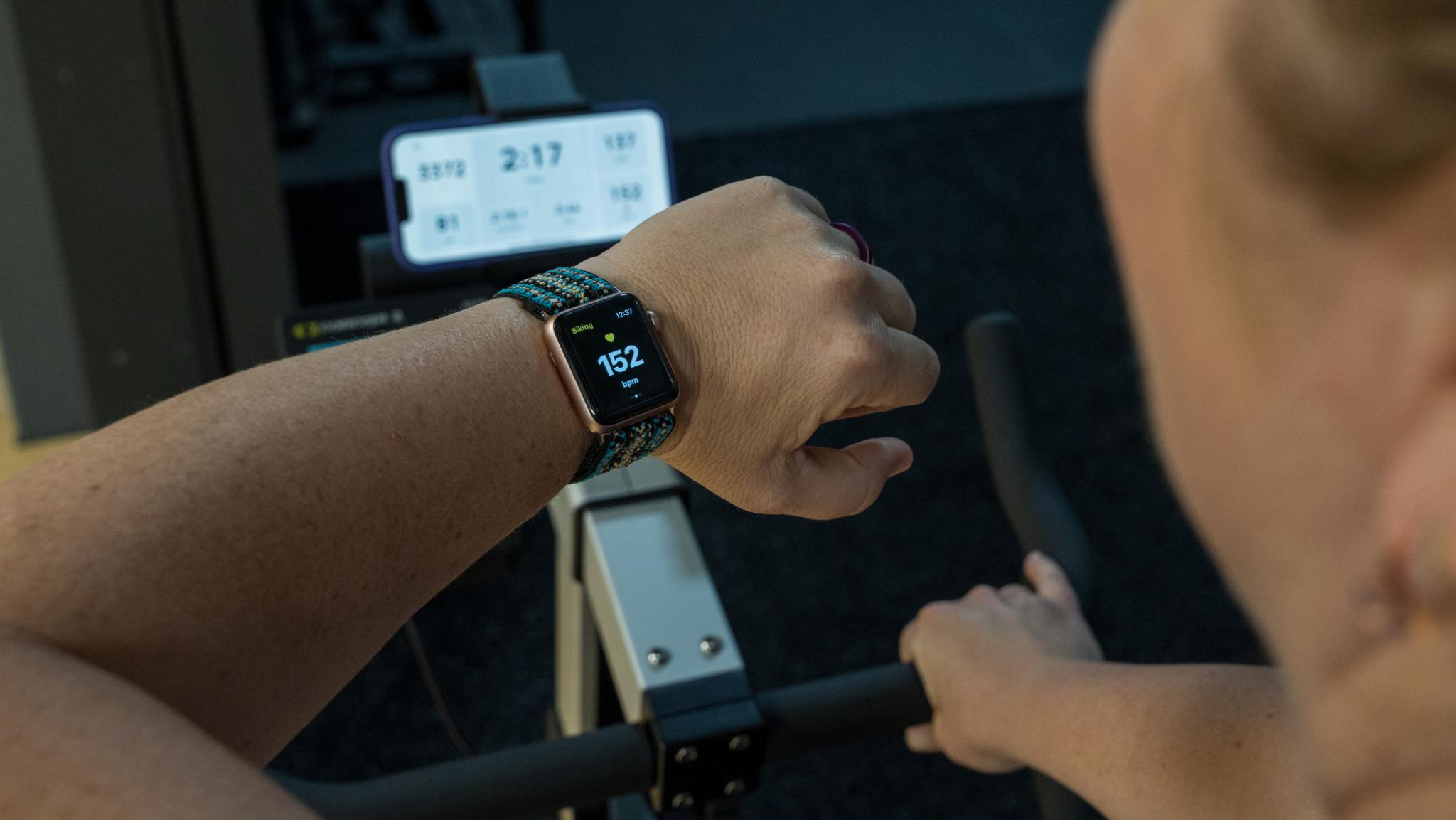
Connects to Your Apple Watch
- Compatible with the Apple Watch
- See your heart rate during the workout and in your logbook afterwards
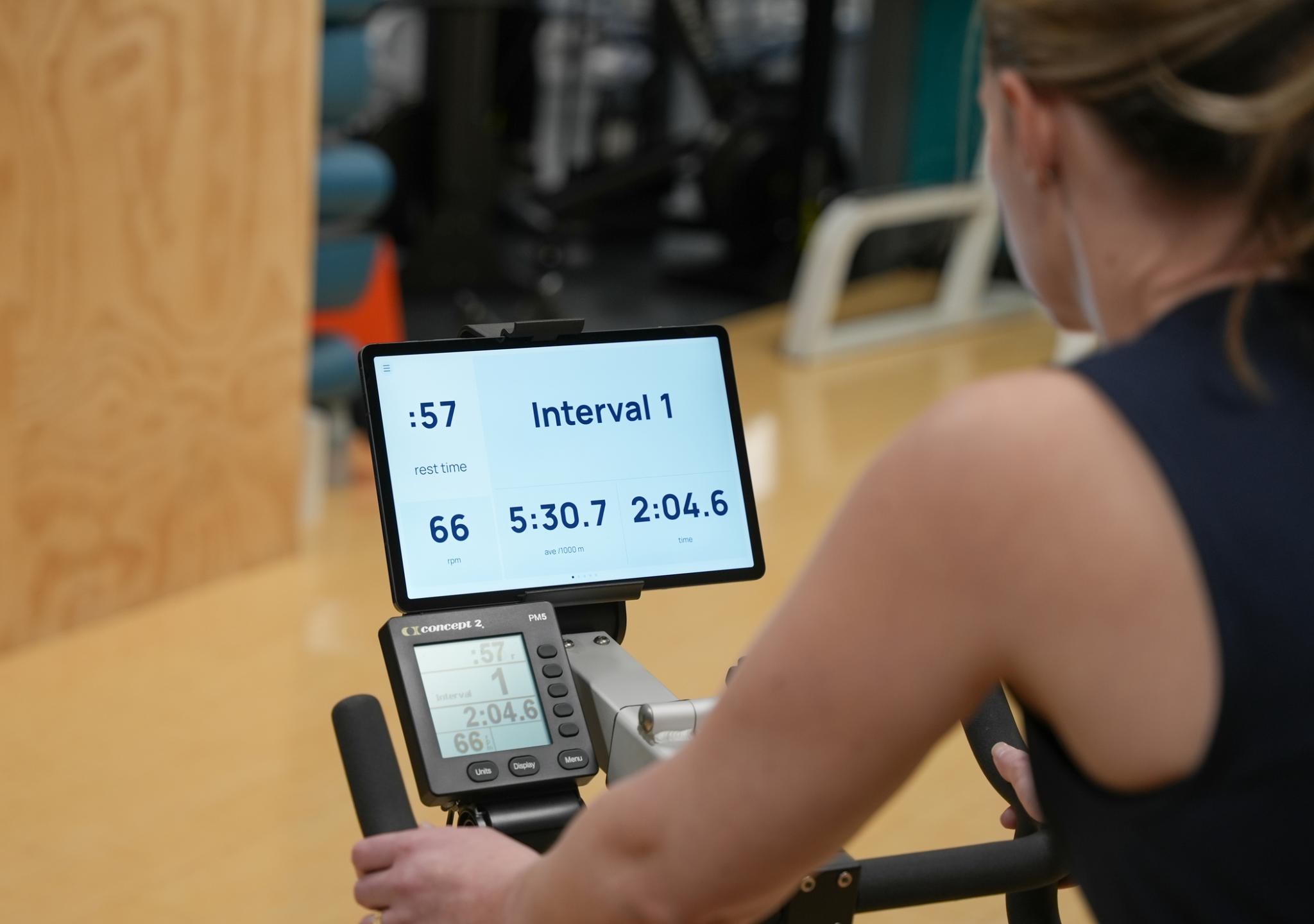
Accessibility
- Configurable audio guidance so you can choose what gets announced and how often
- Large clear numbers
- Dark or light mode options
Technical Specifications
- Compatible with the PM5 only. PM5s are available as a retrofit for all earlier machines.
- Compatible with the Concept2 RowErg, SkiErg, BikeErg and StrengthErg.
- Available for both Apple iOS and Android
- Connects to Apple Health and Google Fit
- Connects via Bluetooth only
- Can wirelessly update your Performance Monitor
Note: Do not use a USB stick with the PM5 at the same time as using ErgData as this can interfere with workouts being saved.
Download Now For Free